Register a Business Name Step‑by‑step for beginners
A clear, step‑by‑step guide for beginners to register a business name online with Nigeria’s CAC, including required documents, fees and next steps.
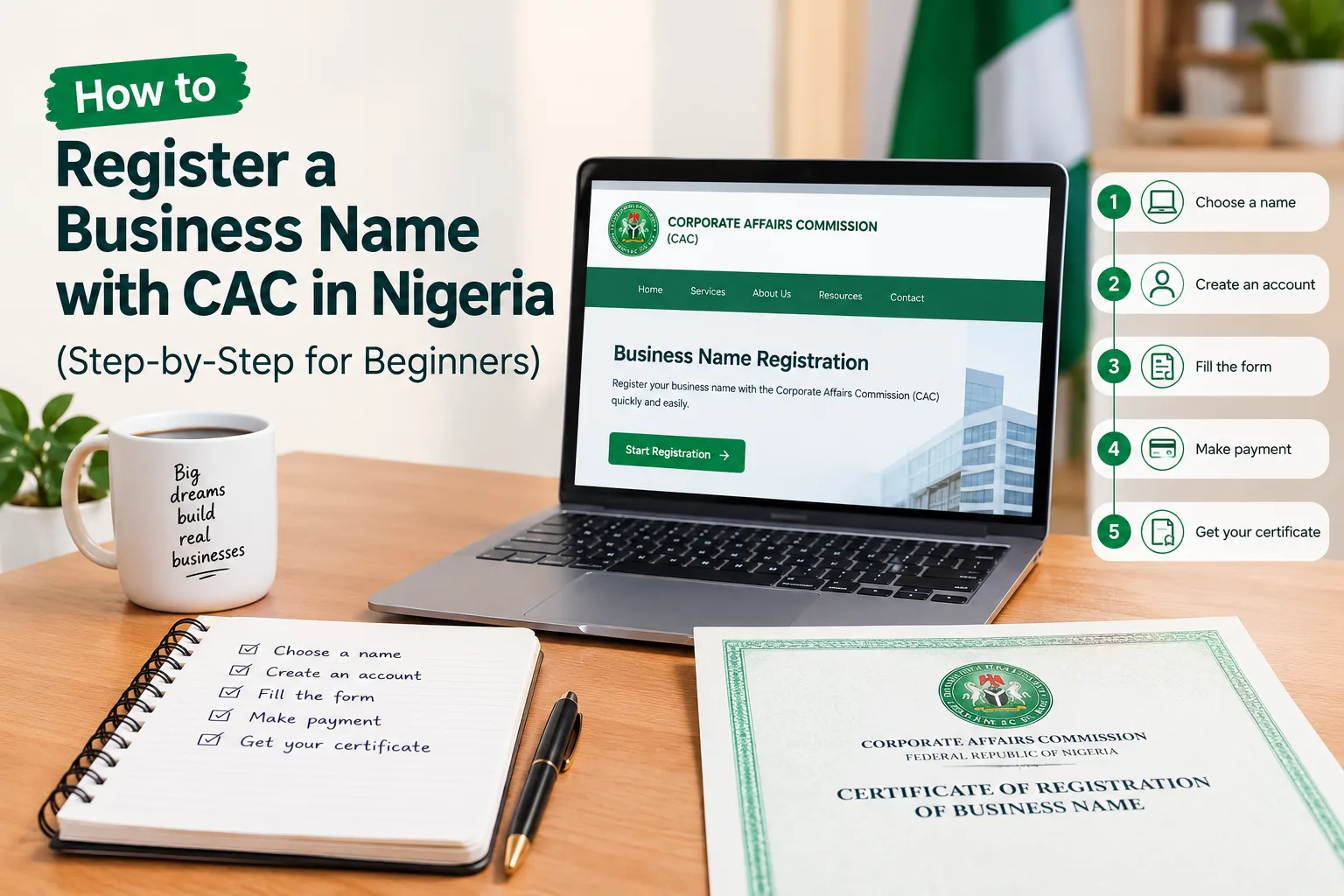

What happened
The guide walks builders through creating a CAC account, reserving a name, uploading documents, paying fees and downloading the registration certificate.
Why it matters
Getting a CAC‑registered name lets builders open bank accounts, issue invoices and appear credible to customers and suppliers.
What to do
Gather the required IDs and photos, reserve your name on the CAC portal, complete the online registration and download your certificate.
Registering a business name with the Corporate Affairs Commission (CAC) – the way to register business name Nigeria – is one of the first practical steps many Nigerians take when they want to trade under a proper name, open a business bank account, or look more credible to customers and suppliers.
It is different from registering a limited liability company. Always double-check the latest fees and requirements on the official CAC portal before you start, because charges and small rules can change.
“This guide walks you through the current online process for a Business Name.”
What you need before you begin
- A working email address and phone number
- Your National Identification Number (NIN)
- A clear passport photograph (recent, preferably with white background)
- A clear image of your signature (written on plain paper and photographed)
- A valid government-issued ID (NIN slip/card, international passport, driver’s licence, or voter’s card)
- A physical address in Nigeria for the business
- Two or three name options (in case your first choice is taken)
- Money for the official fees (currently around ₦21,000 plus small payment gateway charges for a standard business name)
Step-by-step process
- 1. Create an account on the official CAC portal
- Go to the Corporate Affairs Commission website (cac.gov.ng) and follow the link to the Company Registration Portal (often shown as icrp.cac.gov.ng or services.cac.gov.ng).
- Click “Create Account” or “Sign Up.” Use a real email address you can access. Verify the account through the email CAC sends you.
- 2. Search and reserve your business name
- Log in and go to the Name Reservation section. Select “Business Name” as the classification and choose Sole Proprietorship (or Partnership if that fits). Enter your preferred name and a short description of what the business will do.
- Check availability. If it is free, proceed to pay the name reservation fee (currently around ₦1,000). Once payment is successful, you will receive an AV Code. Keep this code safe — you will need it in the next step. The name is usually reserved for a limited period (often 60 days).
- Prepare your NIN, ID and passport photo today
- Reserve your preferred business name on the CAC portal
- Complete the online registration and download the certificate
Written by our newsroom with AI help on the first draft, and checked by a person before publishing.